5 clicks
Power On/Off
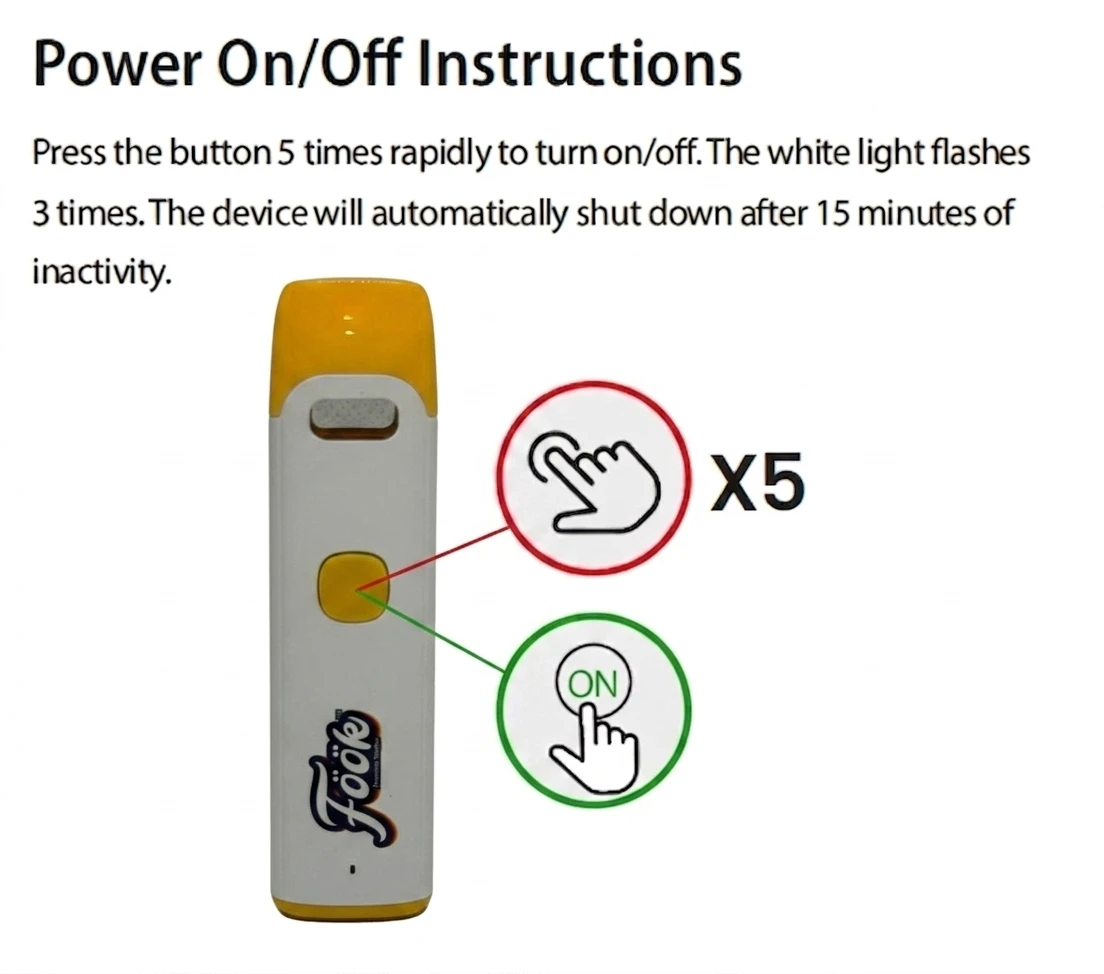
Press the button 5 times rapidly to turn the device on or off. The white light flashes 3 times, and the device automatically shuts down after 15 minutes of inactivity.

You must be of legal age to enter this website. Please verify your age to continue.
By entering this website you agree to our Terms of Service and Privacy Policy. This site contains information about cannabis products intended for adults only.
Button-operated vaporizer loaded with premium distillate THC cannabis oil. Fast click controls handle power, preheat, and voltage selection, with rechargeable hardware designed for simple everyday use.
Simple click controls for power, preheat, voltage, and charging care.
Press the button 5 times rapidly to turn the device on or off. The white light flashes 3 times, and the device automatically shuts down after 15 minutes of inactivity.
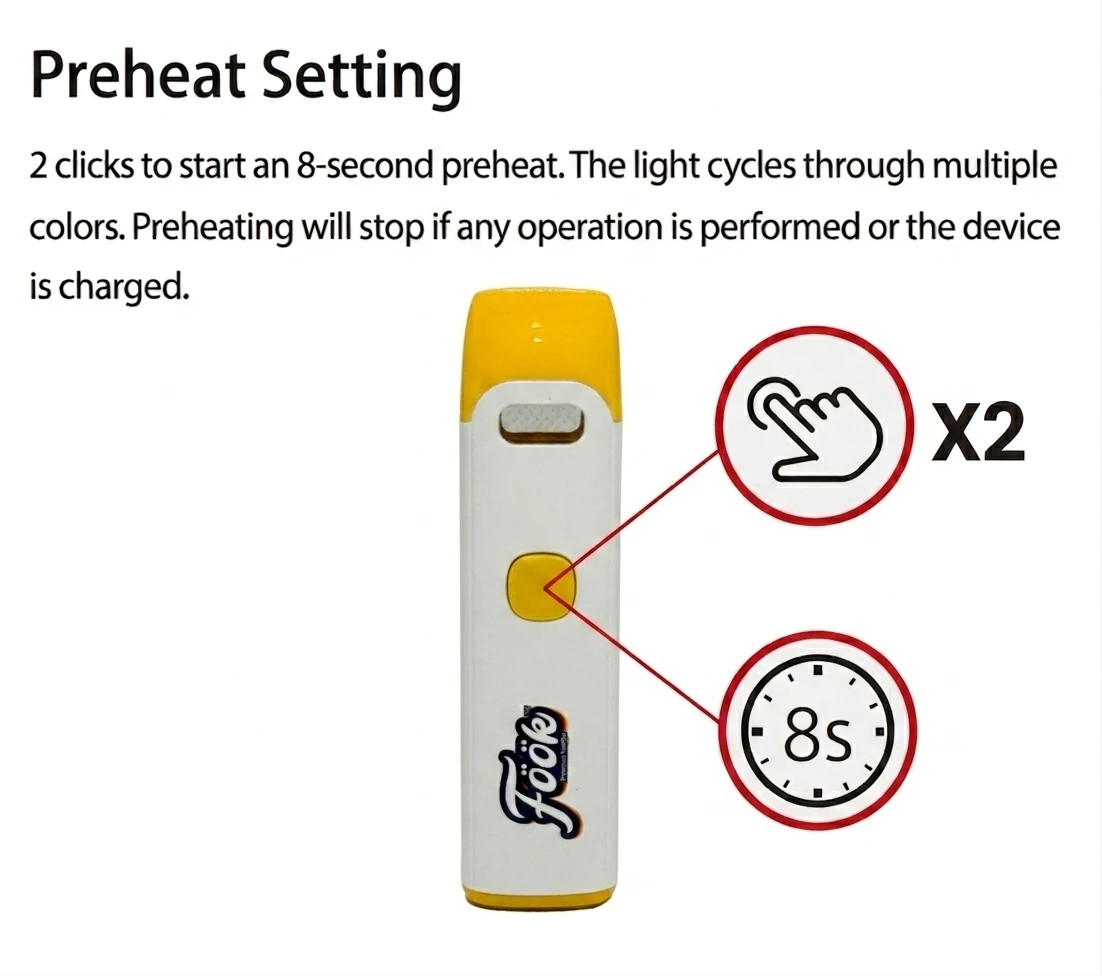
Press twice to start an 8-second preheat cycle. The light cycles through multiple colors and preheating stops if another operation is performed.
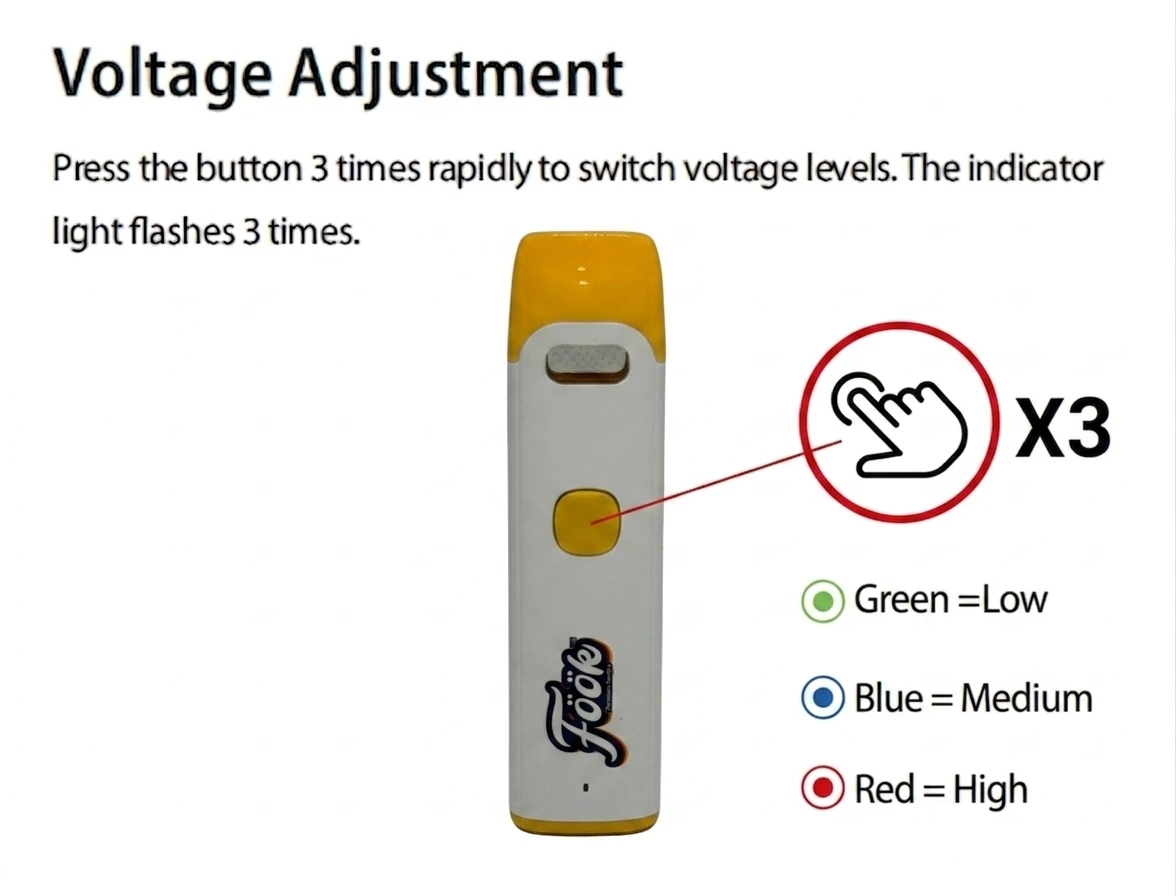
Press 3 times rapidly to switch voltage levels. The indicator flashes 3 times: green is low, blue is medium, and red is high.
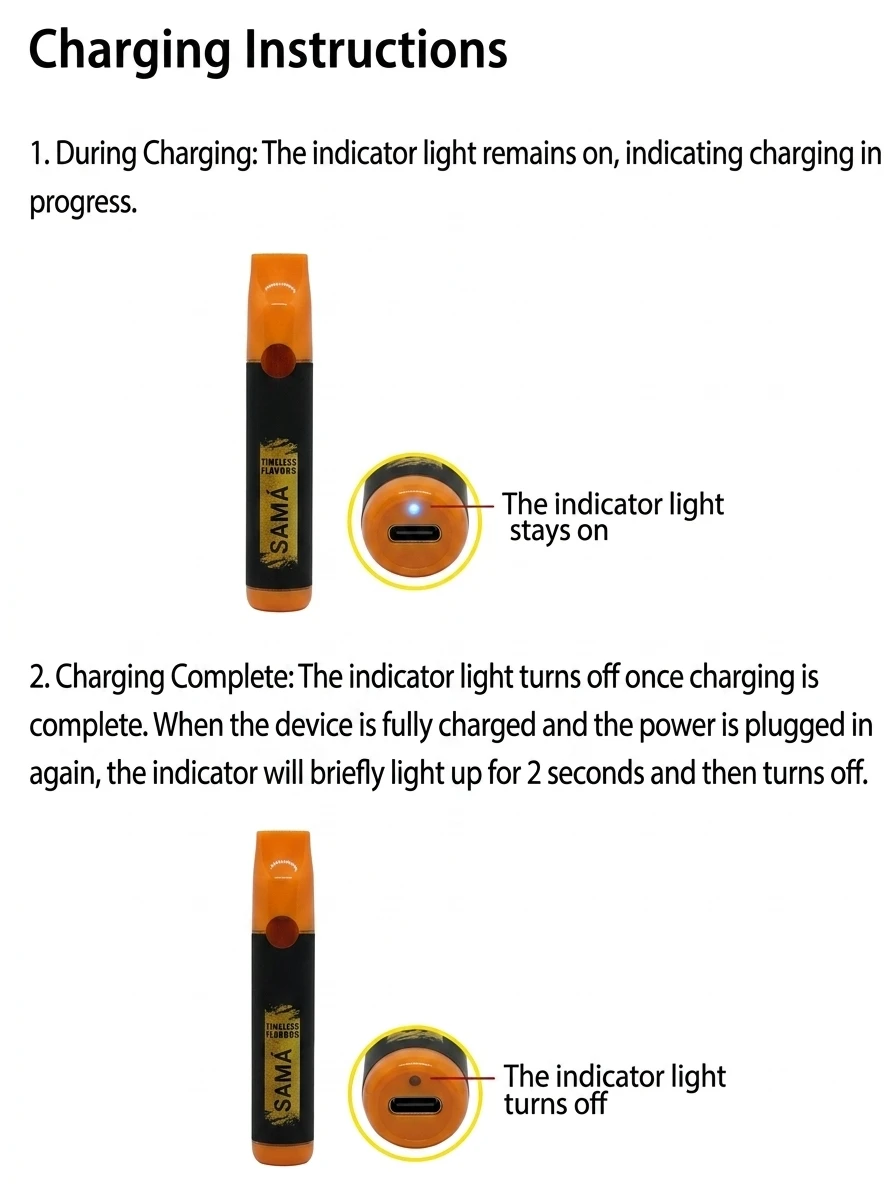
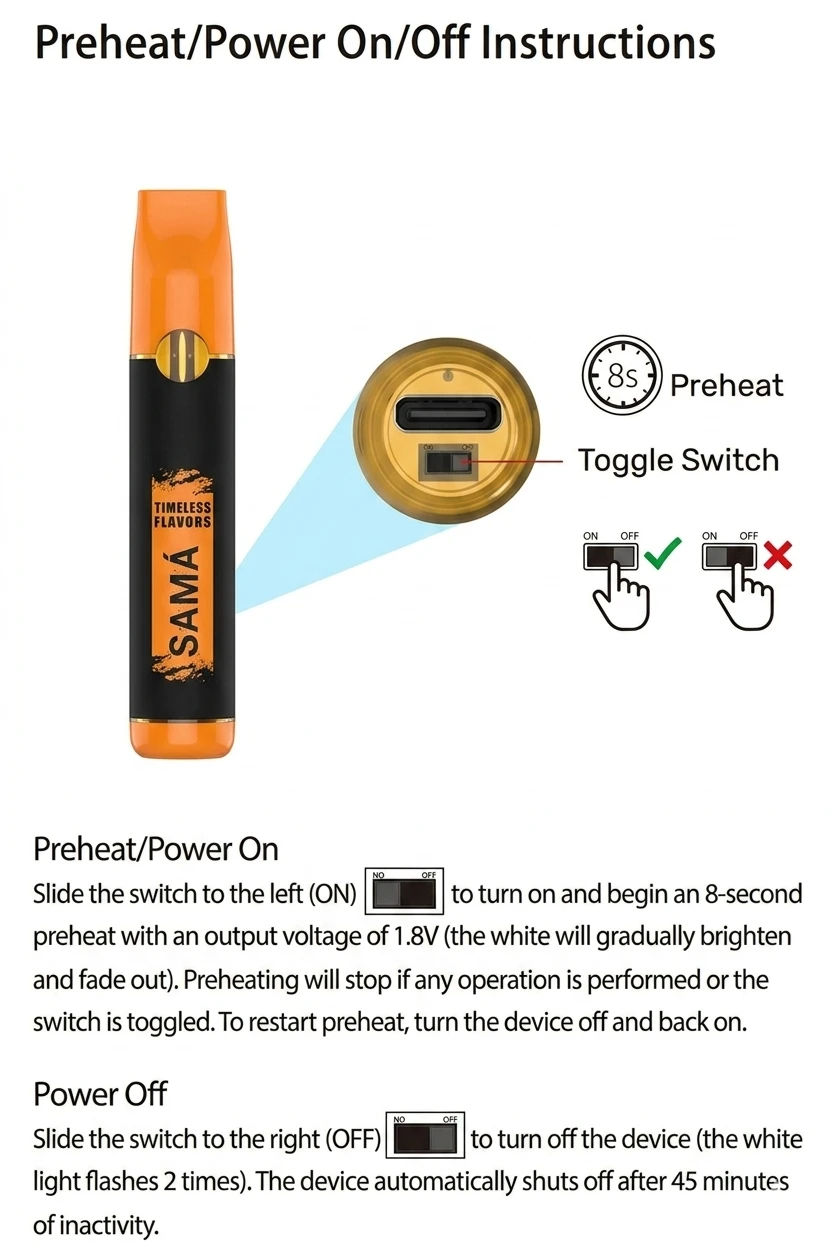
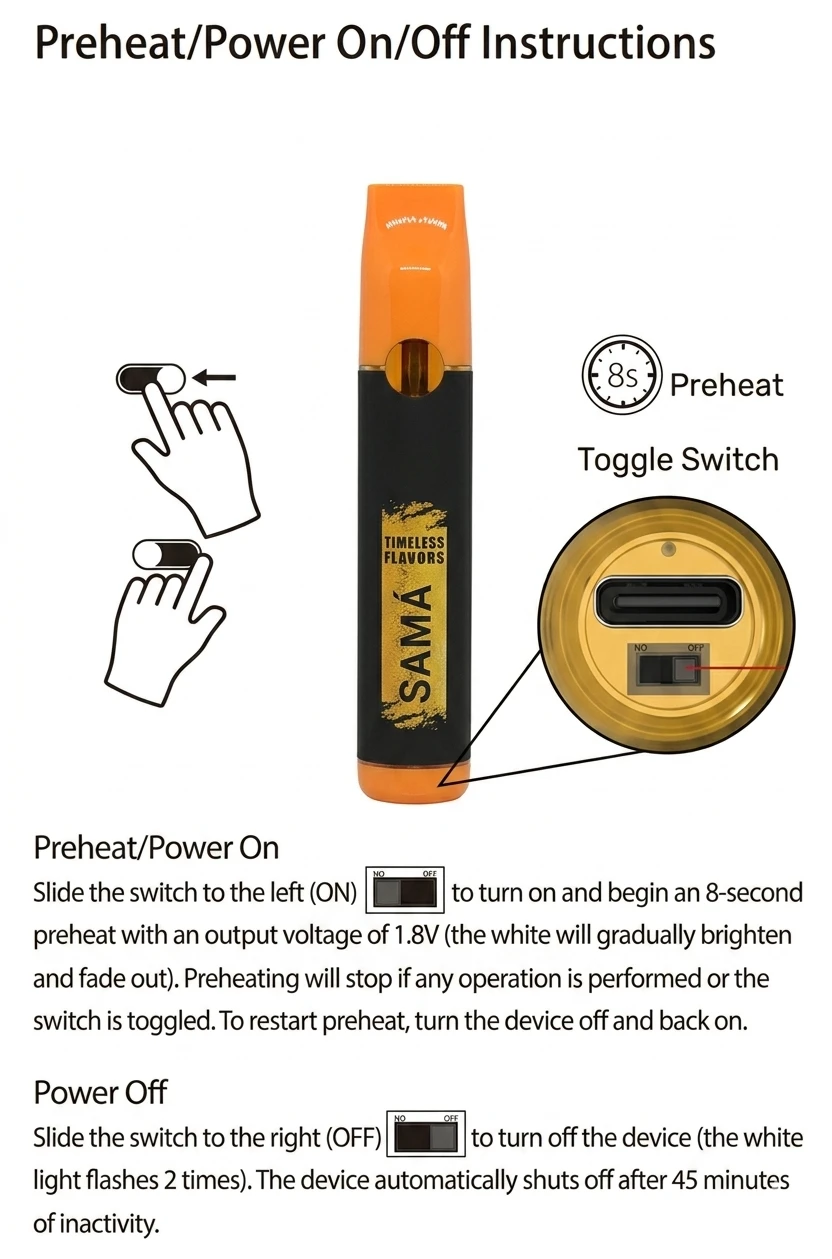
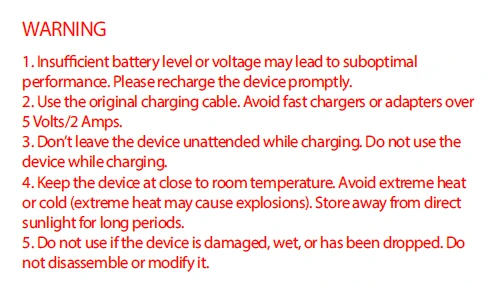
Rechargeable SAMA live rosin vaporizer with a slide-switch power system, automatic 8-second preheat, USB-C charging, and simple indicator-light feedback.
Slide-switch controls for power, preheat, charging status, and device care.
Slide the switch to the left (ON) to turn on the device and begin an 8-second preheat with 1.8V output. The white light gradually brightens and fades out.
Slide the switch to the right (OFF) to turn off the device. The white light flashes 2 times, and the device shuts off automatically after 45 minutes of inactivity.
Preheating stops if any operation is performed or the switch is toggled. To restart preheat, turn the device off and back on.
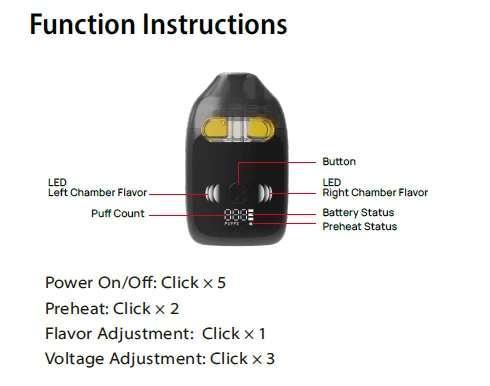
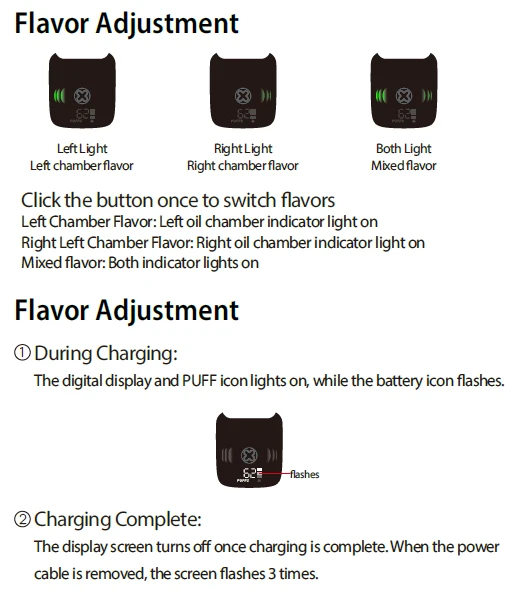
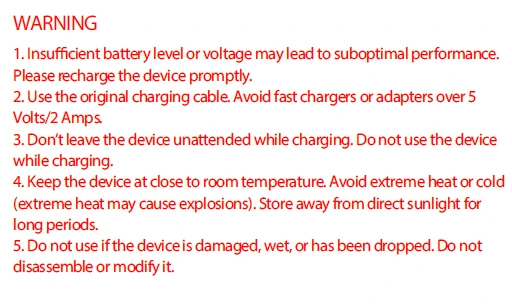
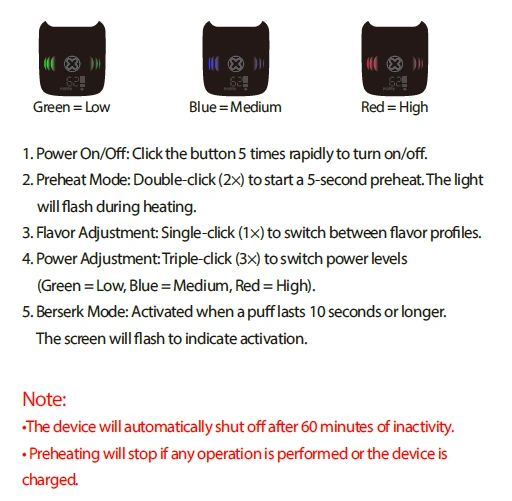
Dual-chamber live resin vaporizer with button-operated power, preheat, flavor switching, voltage selection, battery display, and puff-count feedback.
Click controls for power, preheat, flavor selection, voltage levels, and extended activation.
Click the button 5 times rapidly to turn the device on or off. The device automatically shuts off after 60 minutes of inactivity.
Double-click to start a 5-second preheat. The light flashes during heating, and preheating stops if another operation is performed or the device is charged.
Single-click to switch between flavor profiles: left chamber, right chamber, or both chambers for mixed flavor.
Triple-click to switch power levels. Green is low, blue is medium, and red is high.
Activated when a puff lasts 10 seconds or longer. The screen flashes to indicate activation.
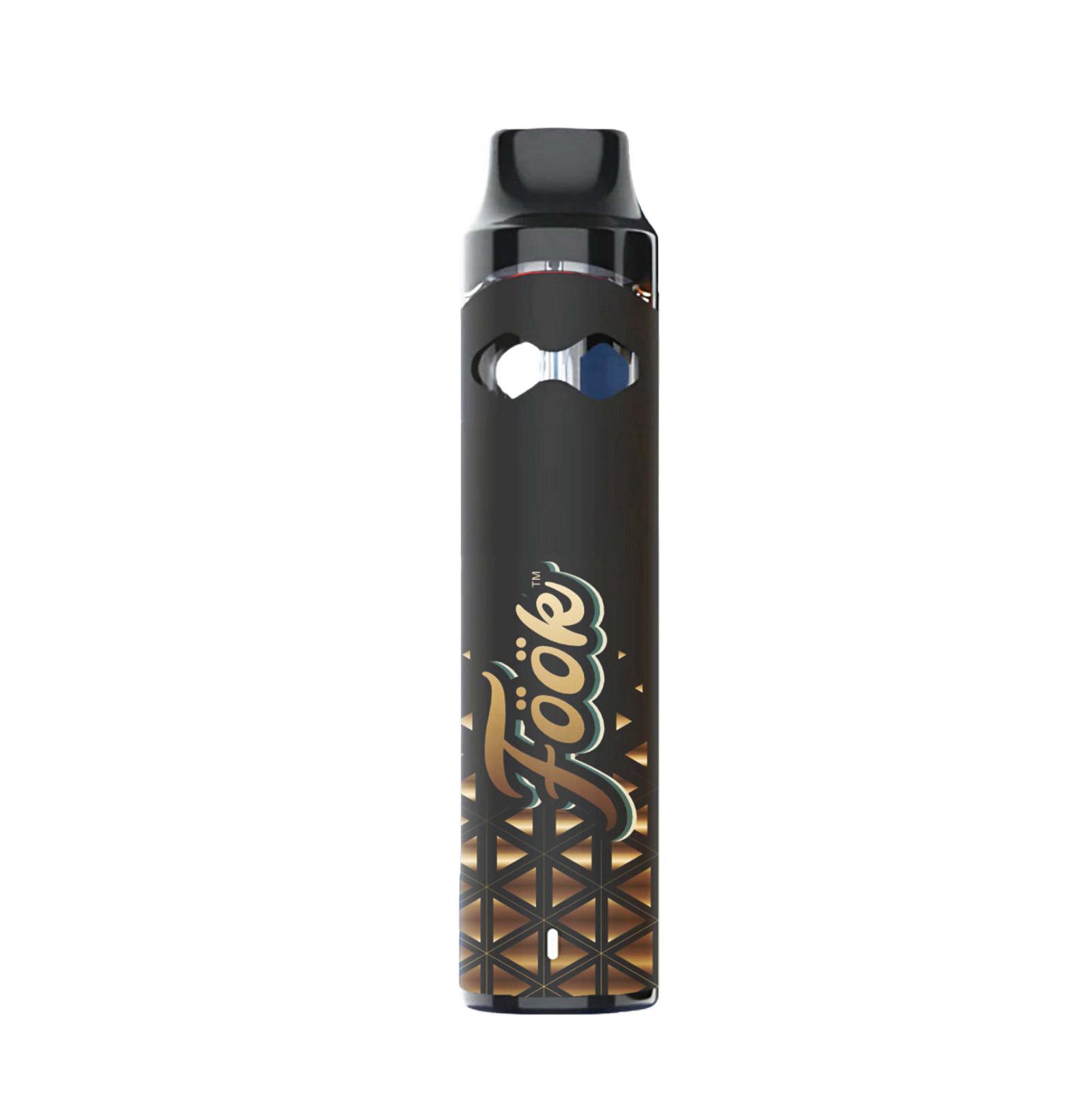
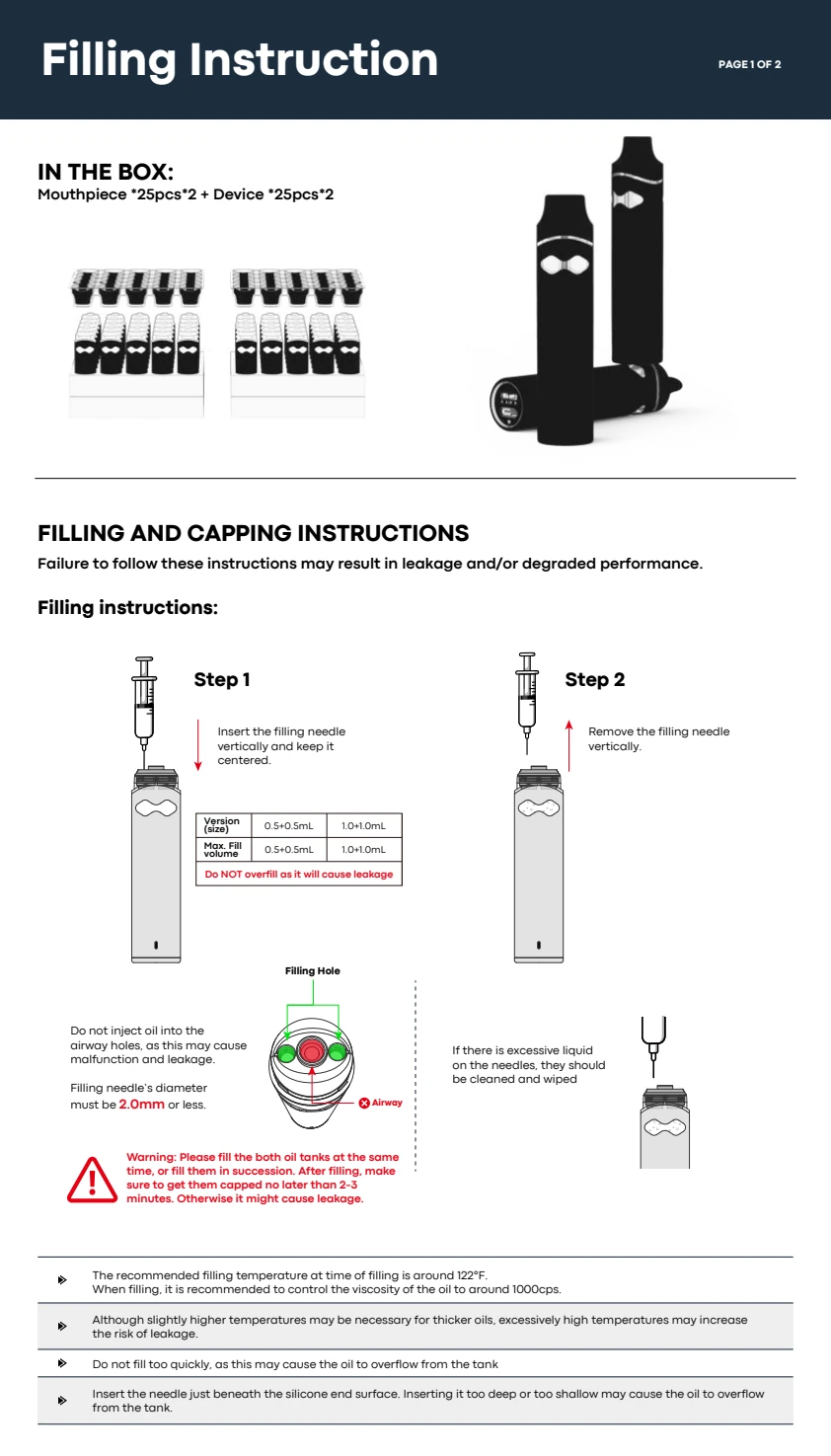

Draw-activated dual-tank vaporizer with 2.0 mL total capacity, independent left and right flavor selection, a mixed-flavor mode, and automatic preheat whenever the selector is moved.
Inhale to vape, then use the bottom selector to choose either tank or combine both flavors.
Inhale through the mouthpiece to activate the device and vape.
Slide the selector left to use the left oil tank or right to use the right oil tank. Moving the selector starts a 2-second preheat.
Slide the selector to the middle to enjoy a mixed flavor from both oil tanks. The device preheats for 2 seconds after the change.
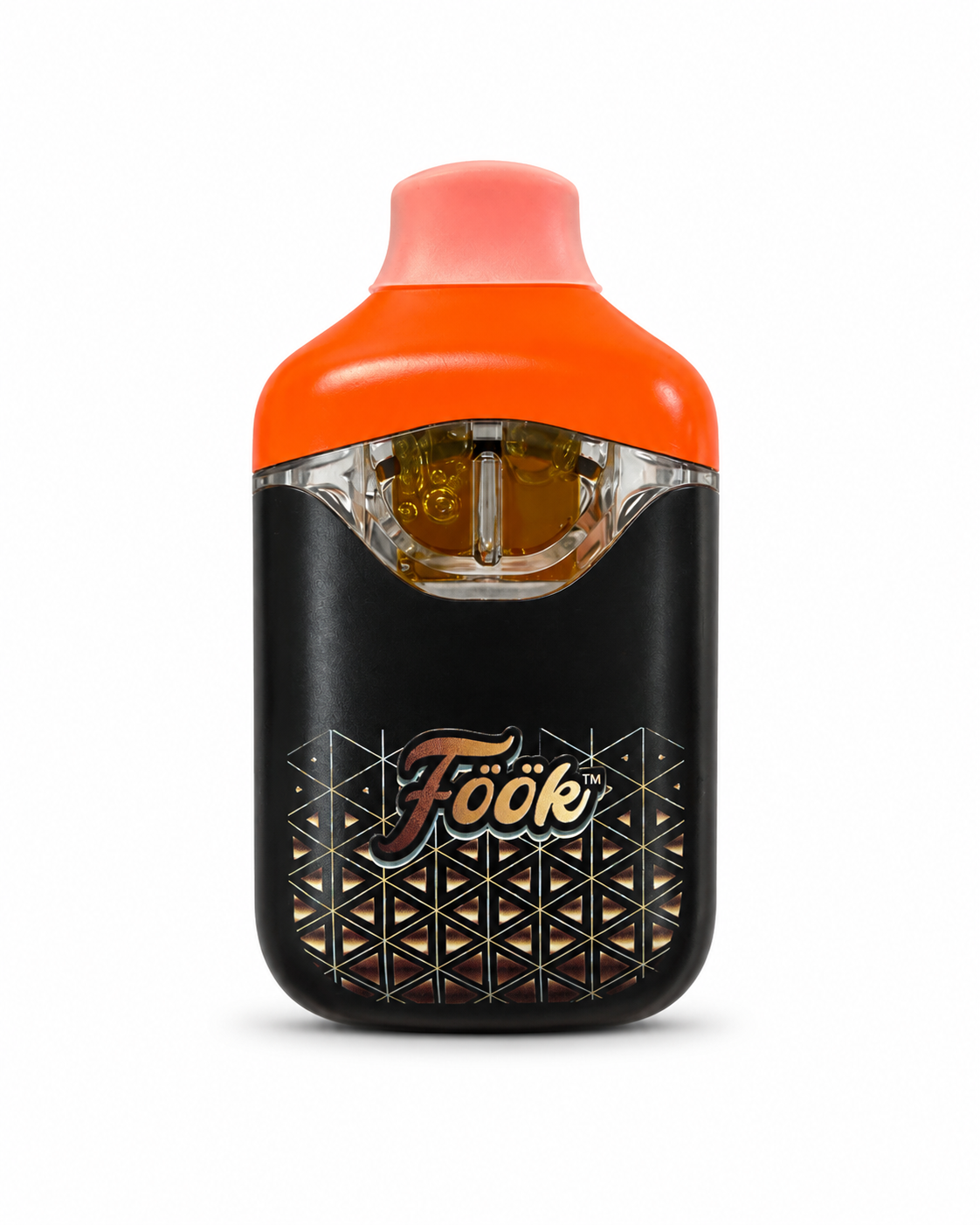
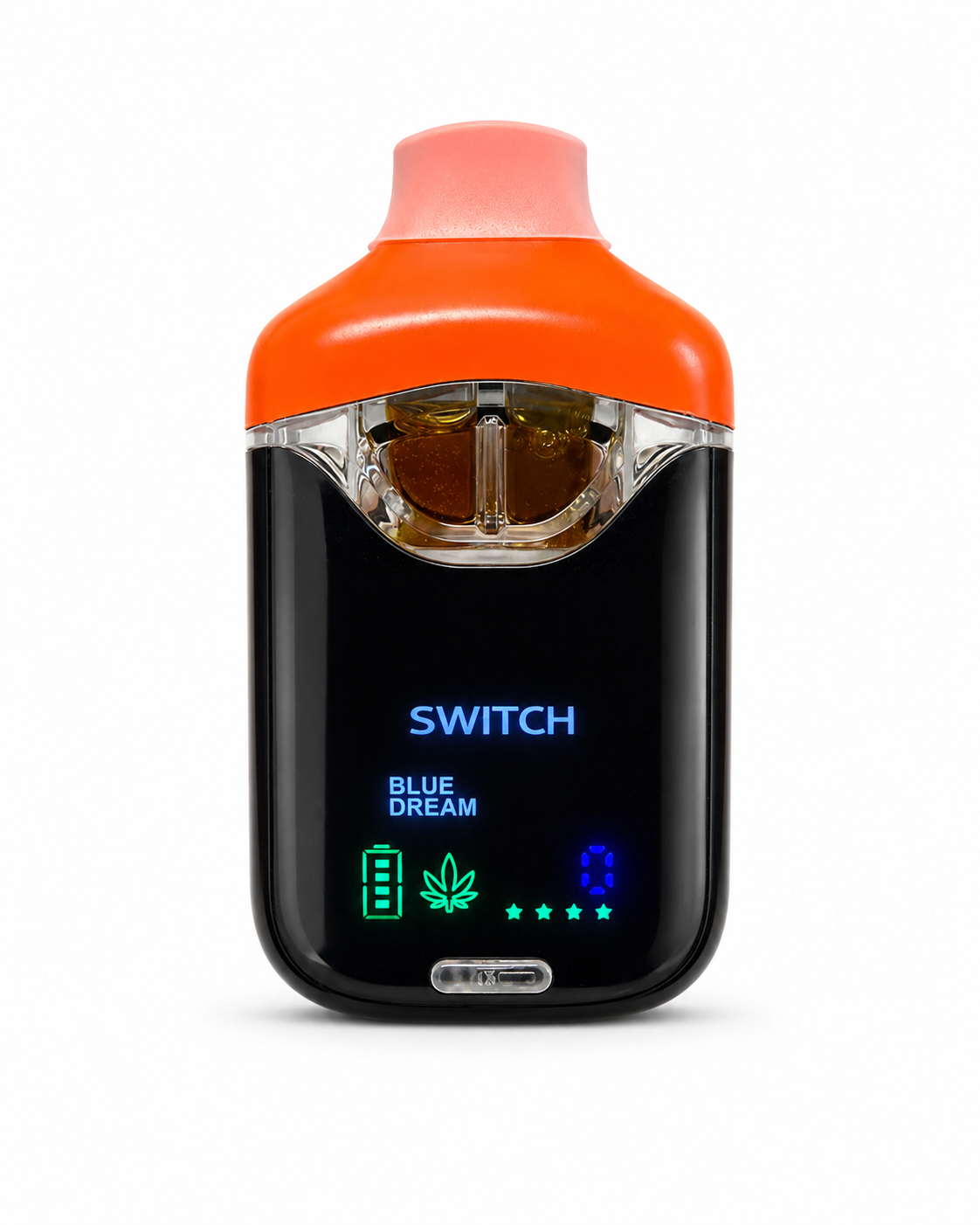
Compact 2 g dual-chamber vaporizer with two isolated 1 g tanks, independent ceramic coils, an integrated display, single-tank operation, and a dual-blend mode.
Button controls unlock the device, start preheat, and support single-tank or dual-blend operation.
Press the control button 5 times to unlock the device before operation.
Press the button twice quickly to preheat before the first draw and help purge trapped air bubbles.
Test each single-tank mode first, then switch to dual-blend mode after both chambers are operating correctly.
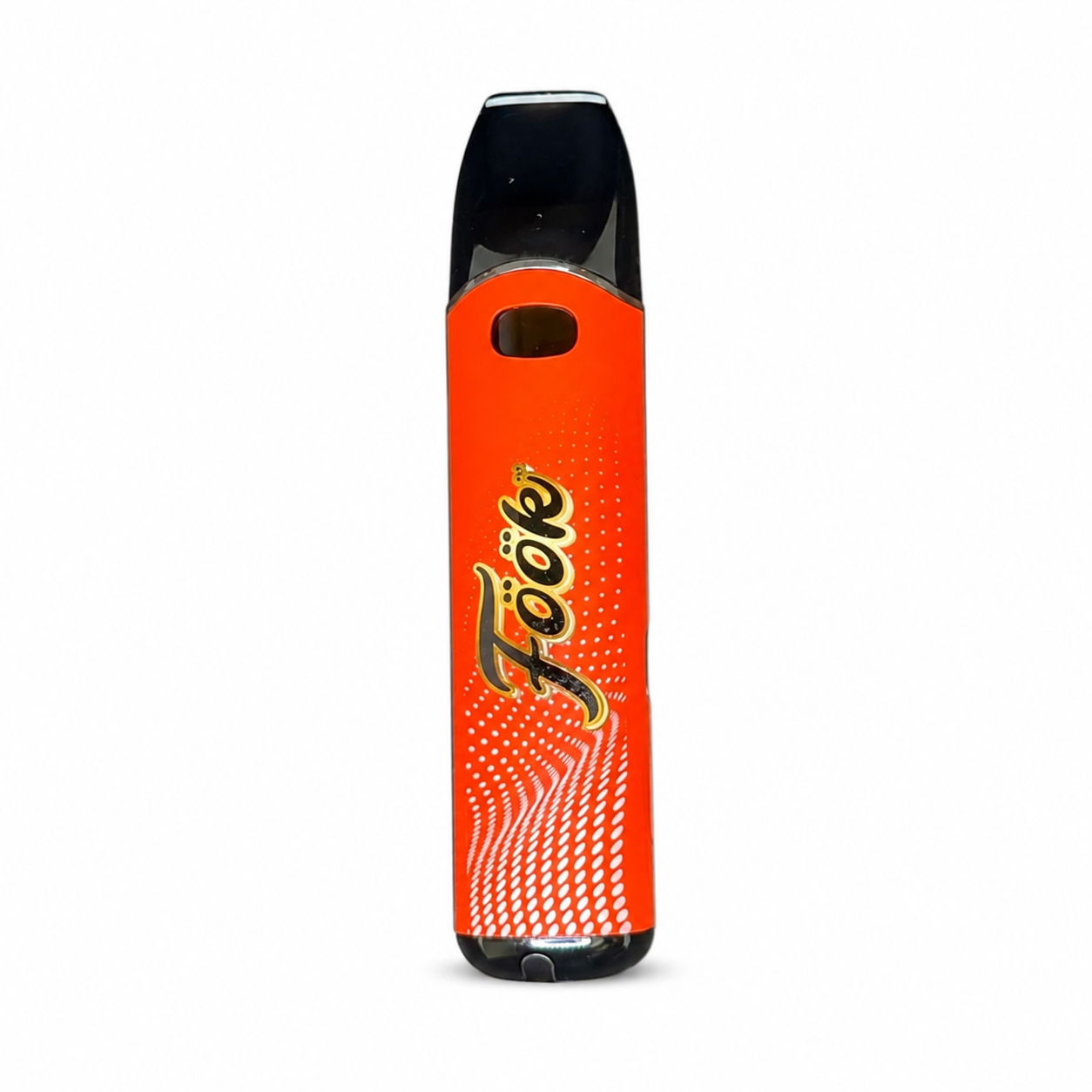
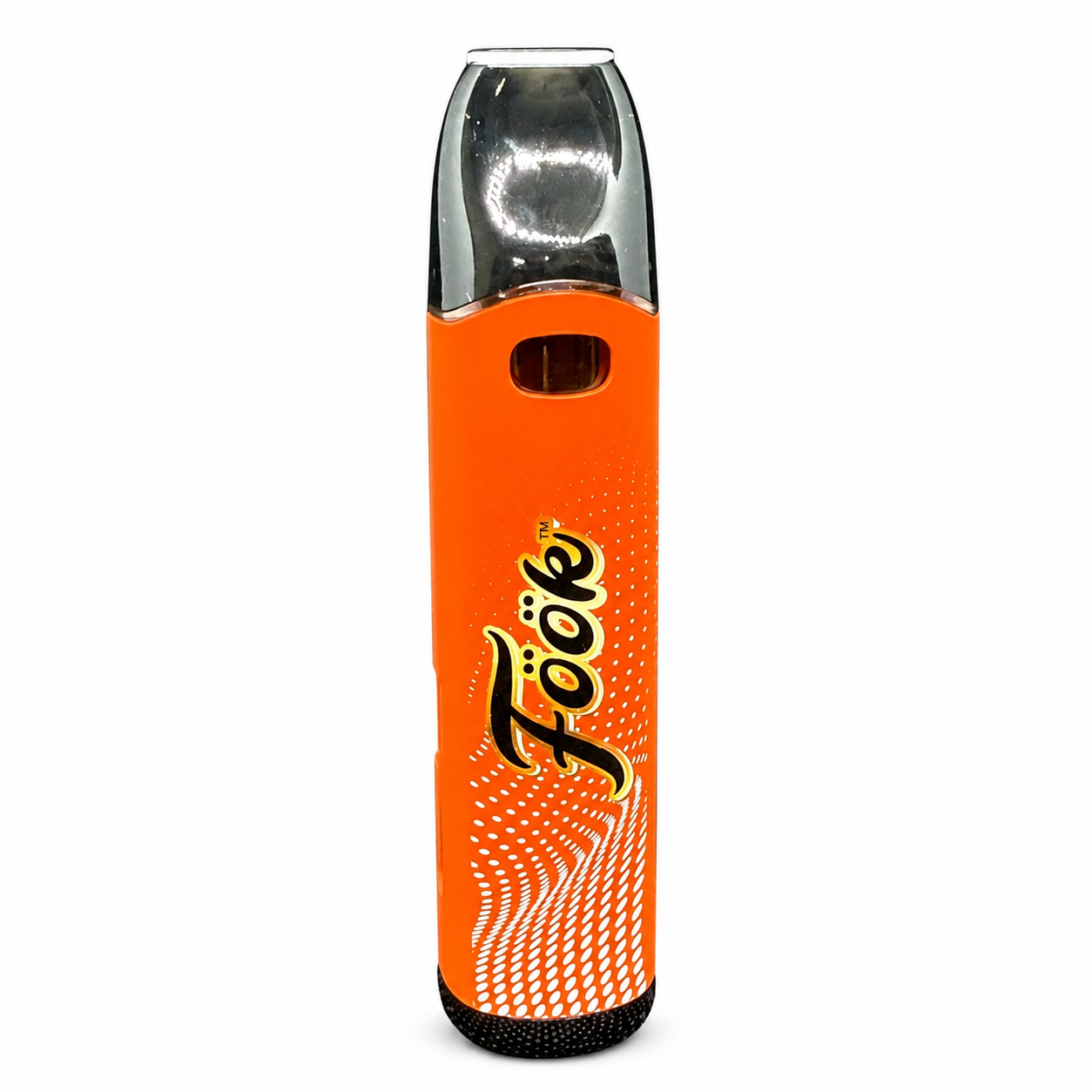
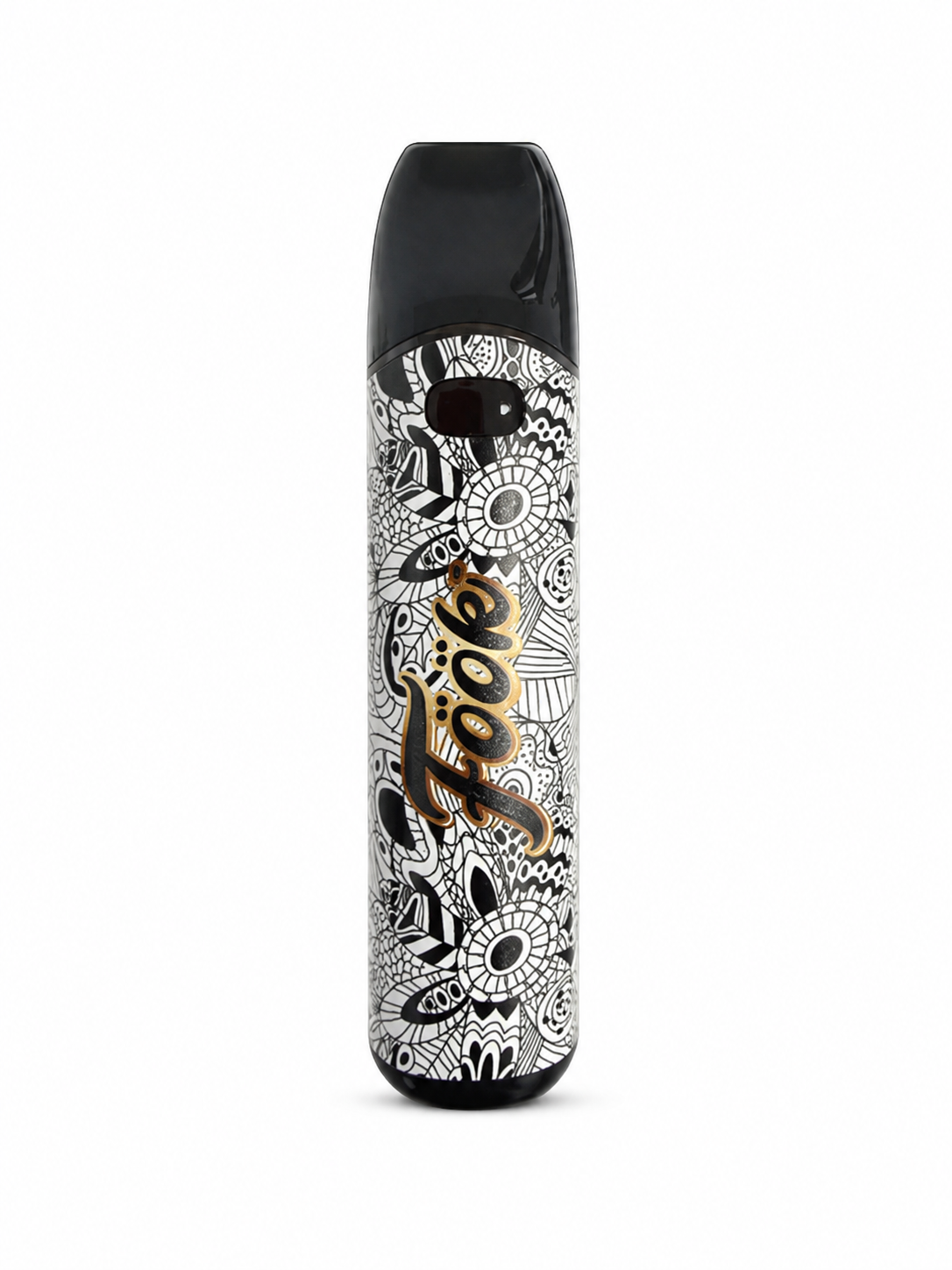
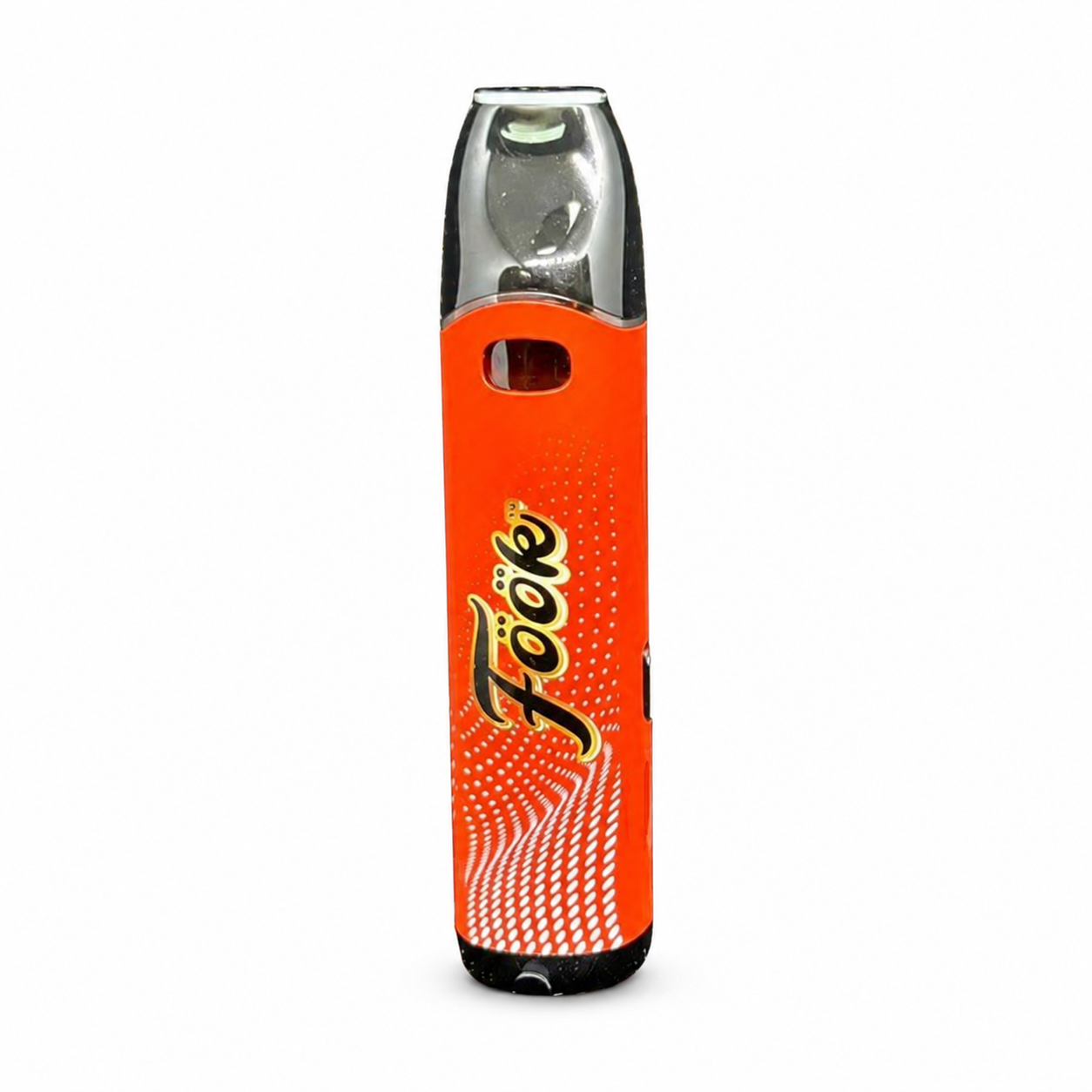
Compact draw-activated vaporizer with button controls for power, preheat, and three voltage levels. The NVBLT pairs a 300 mAh rechargeable battery with a ceramic coil, USB-C charging, and clear LED feedback.
Quick-click controls manage power, preheat, voltage, and high-output operation.
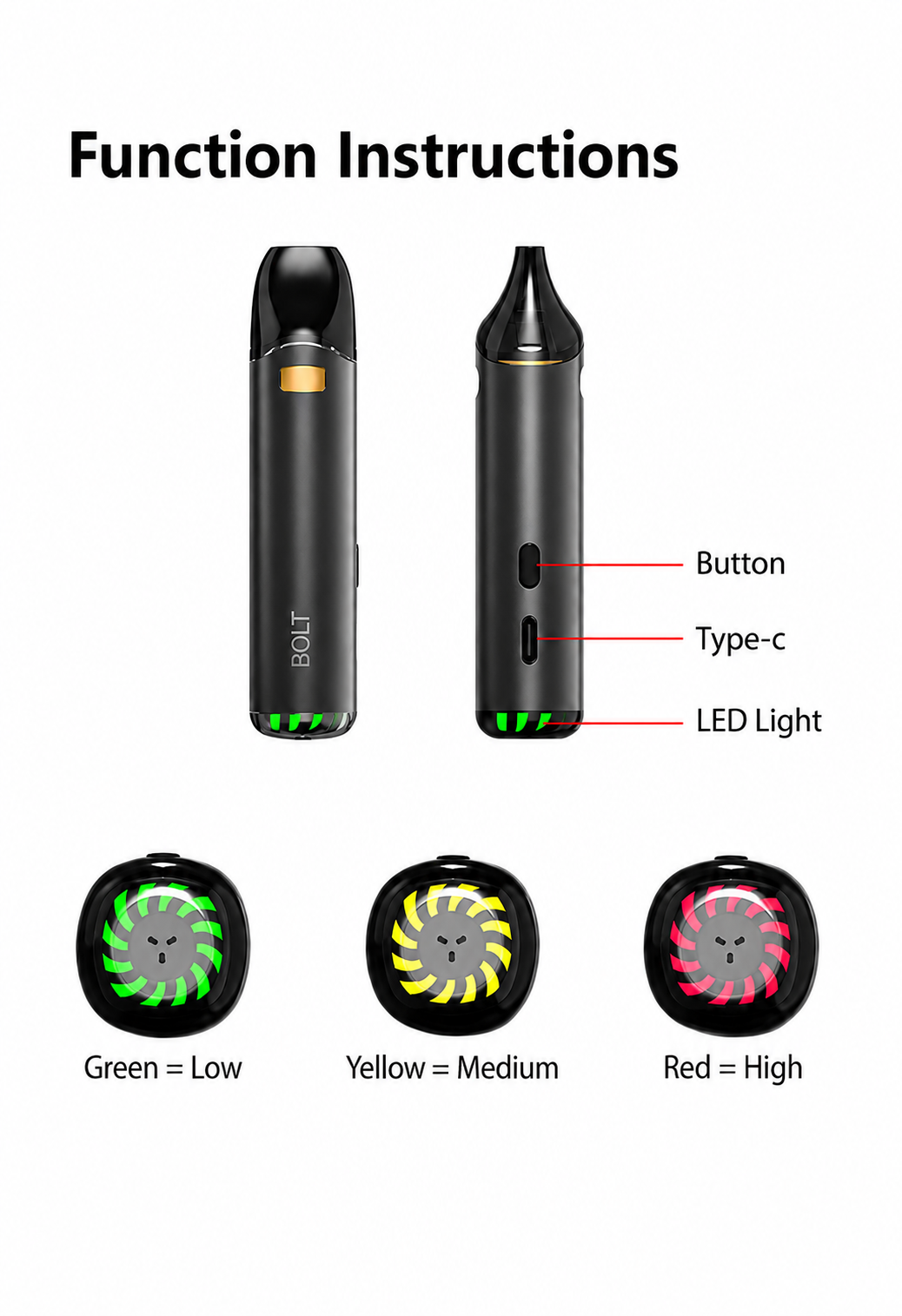
Click the button 5 times rapidly to turn the NVBLT on or off.
Double-click to start a 5-second preheat cycle. The LED flashes while the device is heating.
Triple-click to switch power levels. Green is low, yellow is medium, and red is high.
Berserk Mode activates when a puff lasts 10 seconds or longer. The LED flashes to indicate activation.